Android vs iPhone for Students: Which One Gives Better Long-Term Value in 2026?
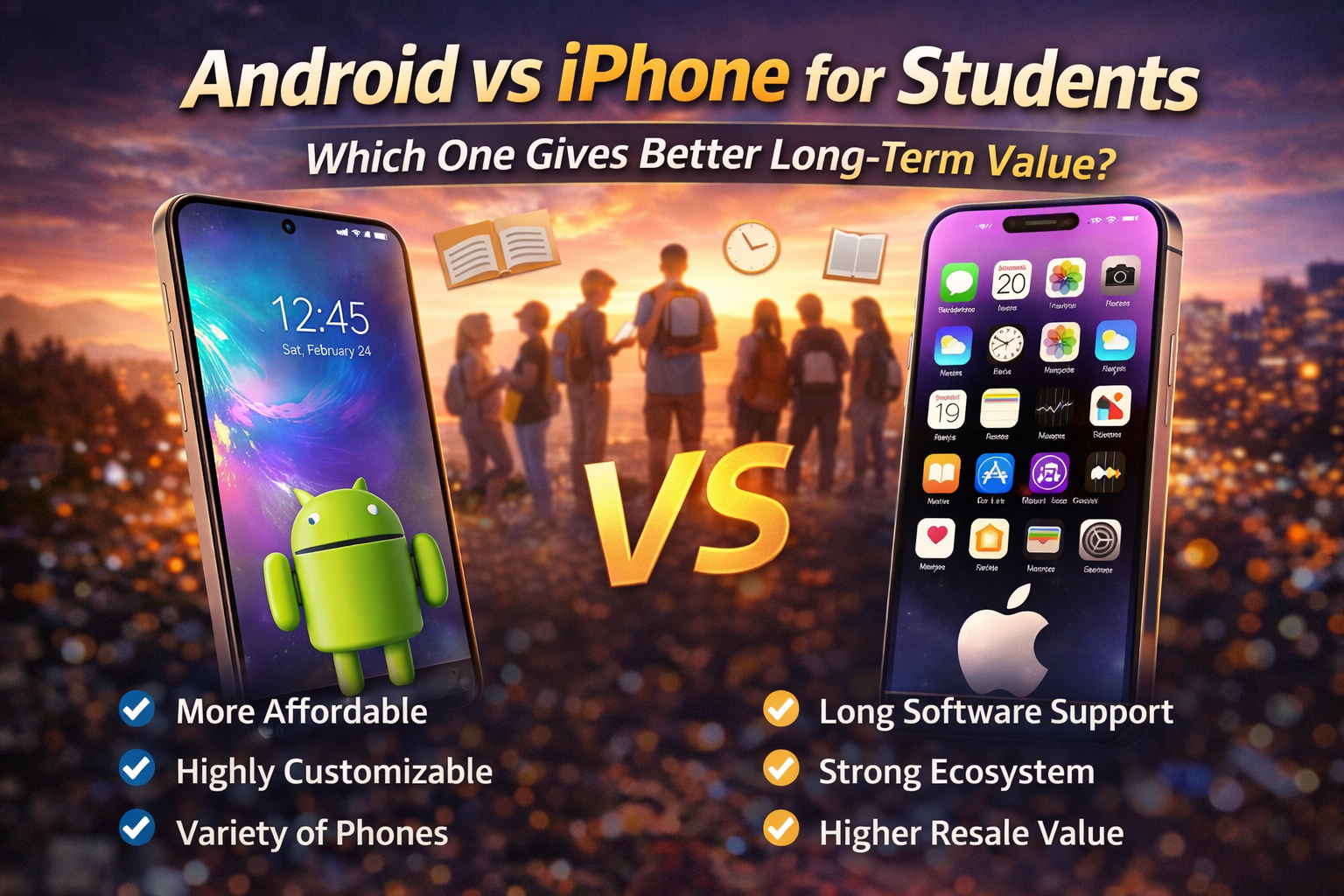
As a student, your smartphone is arguably your most essential tool — for lectures, research, group projects, and staying connected. With budgets often tight, choosing between Android and iPhone isn't just about preference; it's about long-term financial value. A device that lasts 4-5 years with consistent performance, updates, and decent resale value can save hundreds of dollars. In this comprehensive 2800+ word guide, we analyze cost of ownership, software longevity, durability, ecosystem perks, hidden expenses, and real-world student usage to determine which platform gives you the best return on investment in 2026.
💰 Total Cost of Ownership: The Real Financial Picture
Android (Mid-Range e.g., Pixel 8a / Samsung A55)
- ✅ Lower upfront cost
- ✅ 4-5 years security updates (Samsung/Google)
- ✅ Cheaper screen/battery repairs ($80–150)
- ❌ Resale value after 3 years: ~$120–180
iPhone (Base Model e.g., iPhone 15 / 16)
- ✅ 6+ years iOS updates (iPhone 11 still gets iOS 19)
- ✅ Higher build quality & water resistance
- ✅ Resale after 3 years: $350–450
- ❌ Repairs cost more ($200–350 for screen)
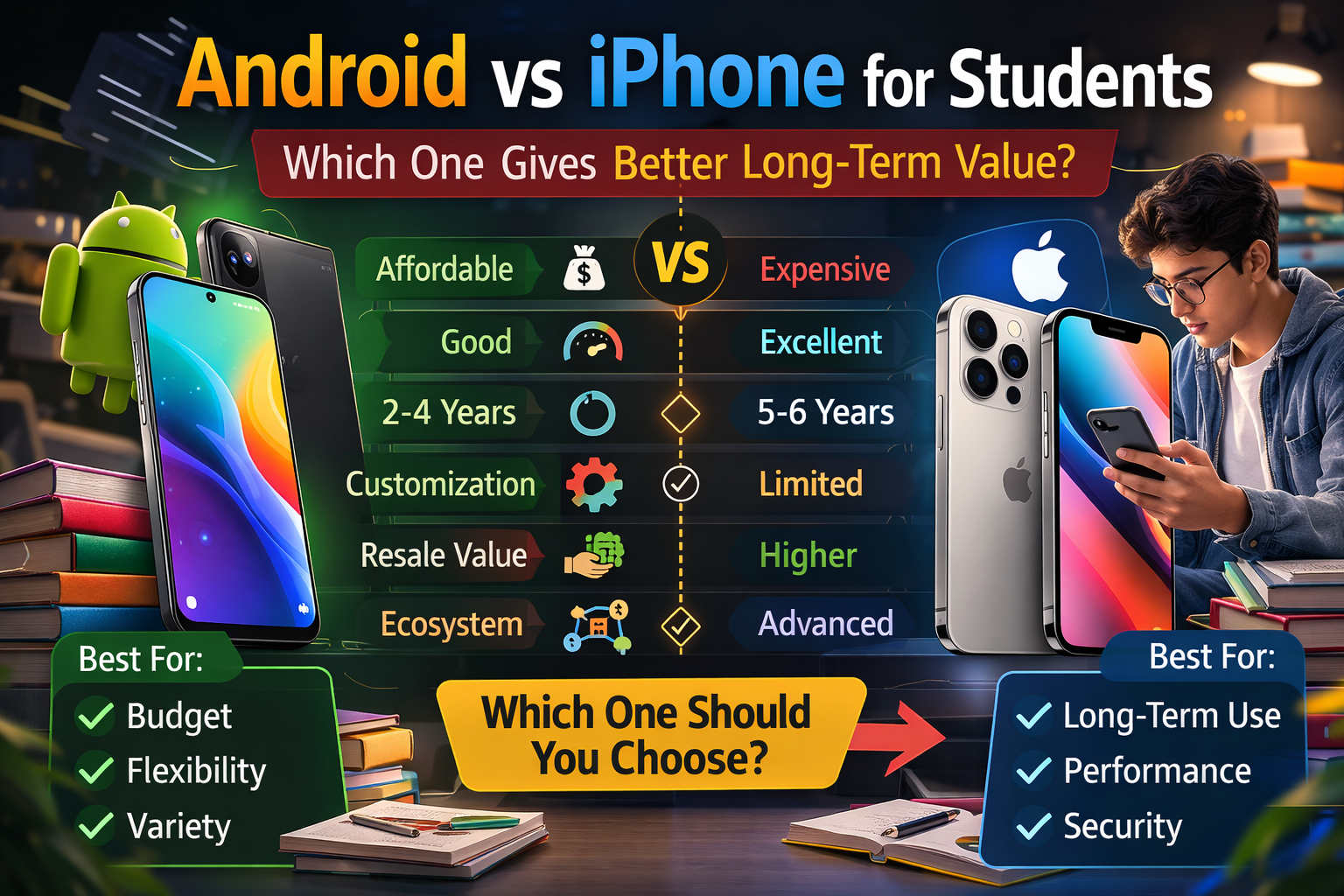
While an iPhone costs $200–300 more upfront, it historically retains about 50-60% of its value after 3 years, whereas many Android phones drop to 25-30%. However, budget-conscious students might prefer an excellent $400 Android phone that serves well for 3 years and then upgrades — without worrying about resale. The key is calculating depreciation + repair probability.
📱 Software Updates & Longevity: The Decisive Factor
iPhone (iOS): Apple consistently provides 6-7 years of major OS updates. For example, the iPhone XS (2018) received iOS 18 in 2025. For students, this means security patches, new features, and app compatibility for almost your entire college journey. Even a used iPhone 13 will last through 2027.
Android: Update situation has improved dramatically. Samsung now offers 4 major OS updates + 5 years security for Galaxy S and A series. Google Pixel provides 5 years of updates. However, many budget Androids still get only 2-3 years. If you're buying an Android for long-term student use, stick to Pixel, Galaxy A5x/S series, or Nothing Phone.
🔧 Durability & Repair Costs (Student Reality)
Drops happen — in backpacks, library stairs, coffee shops. iPhones use premium materials (aluminum/steel, Ceramic Shield) which are durable, but screen repairs cost $199–329 without AppleCare. Android screens vary: mid-range phones like Galaxy A54 cost around $150 to fix, while premium Galaxy S24 can be $220. For students, a rugged case + screen protector is mandatory on both platforms. Overall, Android offers more affordable repair options through local shops, but iPhones have wider parts availability.
🎓 Ecosystem Benefits: Laptop & Tablet Integration
Many students already own a laptop or tablet. Apple ecosystem shines here: AirDrop, Universal Clipboard, iCloud sync, and Handoff between iPhone and Mac make studying seamless. You can copy lecture notes on Mac and paste on iPhone instantly. For Android, Google’s ecosystem (Nearby Share, Chrome sync, Google Drive) works well across Windows, Chromebooks, and Android devices — but it's less tightly integrated. If you're already using a MacBook or iPad, iPhone is a no-brainer. If you use Windows, Android offers great flexibility.
📊 Direct Feature Comparison Table (2026)
| Criteria | Android (Mid/High) | iPhone (Base/Pro) |
|---|---|---|
| Starting Price (Student budget) | $300 – $600 ✅ | $599 – $799 |
| OS Update Lifespan | 3–5 years (varies by brand) | 6–7 years ✅ |
| Resale Value (after 3 yrs) | 25–35% of original | 50–60% ✅ |
| Repair Cost (screen) | $80 – $180 ✅ | $199 – $329 |
| Battery Replacement | $50–100 ✅ | $89–129 |
| Built-in Student Apps | Google Workspace, Keep, Tasks | Pages, Keynote, iWork, Freeform ✅ |
| Customization & Flexibility | High ✅ | Low |
⚖️ Pros & Cons: Student Daily Usage
Android Advantages
- ✅ Wider price range (budget to flagship)
- ✅ USB-C universally, faster charging options
- ✅ Side-loading apps & emulators for classic games
- ✅ More form factors (foldables, compact)
- ✅ Google Lens integration for quick document scanning
iPhone Advantages
- ✅ Consistent fluid performance for 4+ years
- ✅ Best-in-class privacy & security
- ✅ AppleCare+ student discount available
- ✅ Seamless AirDrop for group projects
- ✅ Great video recording for class presentations
💡 Hidden Costs & Student Discounts
iPhones: Apple offers education pricing (save $50–100) and back-to-school bundles with AirPods. Also, Apple refurbished store gives official warranty + new battery — excellent for students on a budget. Android: Samsung has student discount programs (Unidays) and Google Store education offers. Additionally, Android phones often include promotions like free storage upgrades. Remember to factor in accessories: both platforms may need a decent case ($15–40) and extra charger.
📈 Real Student Scenarios: Which Should You Choose?
Scenario A – Engineering / Computer Science student: You need to multitask, run development apps, and use collaboration tools. Android offers split-screen, file management, and Termux (Linux environment). Many CS students prefer Android for flexibility.
Scenario B – Humanities / Design student: You rely on creative apps, note-taking with Apple Pencil (iPad) and seamless continuity. iPhone + iPad combo is unmatched for handwritten notes, sketching, and research management.
Scenario C – Tight budget ($300-400): A refurbished Pixel 7 or Samsung A54 provides excellent value and 3-4 years of software support. An older iPhone SE 2022 is also capable, but battery may be weaker.
Scenario D – Long-term investment (4+ years): iPhone 15 or 16 base model with AppleCare+ will reliably serve throughout college and beyond, with high trade-in value. For Android, pick Google Pixel 9 or Samsung Galaxy S24 FE for longevity.
🔋 Battery Life & Charging Speed for Student Life
Between classes, studying, and social media, battery endurance matters. Android mid-rangers often pack 5000mAh batteries (1.5-2 days light use). iPhones have smaller batteries but efficient chips — iPhone 15 lasts around 20 hours video playback. However, Android wins on charging speed: 45W-120W charging gives 50% in 15 minutes, while iPhone maxes at 27W. For students who forget to charge overnight, fast Android charging is a lifesaver.
📚 Best Student Apps: Android vs iOS
Both platforms have essential apps: Notion, Google Drive, Microsoft Office, Zoom, Canvas. However, iOS often receives exclusive educational apps and higher-quality design apps. Android allows more customization with note-taking apps like Samsung Notes, Google Keep, and cross-platform integrations. For specialized research, both are equally capable.
❓ Long-Term Value FAQs (Student Focused)
Which phone saves more money over 4 years: Android or iPhone?
Do Android phones slow down faster than iPhones?
Is an iPhone worth the extra cost for students on a loan?
Which platform has better free educational apps?
✅ Final Verdict: Best Smartphone for Students in 2026
After analyzing price, longevity, repair costs, software updates, and student-specific needs, the conclusion depends on your priorities:
- Choose Android if: You want the best value under $500, need fast charging, prefer customization, or use Windows/Chromebooks. Recommended models: Google Pixel 8a, Samsung Galaxy A55, Nothing Phone 2a.
- Choose iPhone if: You plan to use the phone for 5+ years, already own a Mac/iPad, care about resale value, or want premium build and consistent performance. Recommended models: iPhone 15 / 16 (refurbished or student discount), iPhone 15 Plus for battery.
For most students balancing budget and future-proofing, a certified refurbished iPhone 14 or 15 offers the ideal mix: low upfront cost, 4+ remaining updates, and strong resale. Alternatively, the Google Pixel 8a provides flagship-grade software longevity at a mid-range price. Ultimately, the smartest choice invests in a device that will survive your academic journey without constant repairs or frustration.
Pro student tip: Always check university tech stores for student deals, and consider adding accidental damage protection (either AppleCare+ or third-party insurance) — one screen replacement can wipe out all savings.